



You’ve finished the work. Now you have to put together the invoice, send it to the right person, and remember to follow up if payment doesn’t come through. The best invoicing software for small businesses makes those steps easier and shows you which clients still owe you money.
Start with Zoho Invoice if you want a free tool, FreshBooks if you bill by the hour, or Square Invoices if you already take payments through Square. We also compare Wave, Invoice Ninja, and Stripe Invoicing so you can see what each tool costs, where its limits kick in, and how your clients can pay.
Best Invoicing Software for Small Businesses at a Glance

Prices shown are standard U.S. rates reviewed on October 13, 2026. Check each provider’s pricing page for current rates, payment fees, and promotions.
Affiliate disclosure: Some links in this article may be affiliate links. If you make a purchase or sign up through one of them, NaturesMoney may earn a commission at no additional cost to you.
| Software | Our suggested use case | Subscription or invoicing price | Main consideration |
|---|---|---|---|
| Zoho Invoice | Dedicated invoicing without a software subscription | Free | Annual invoice usage limits; payment-gateway fees are separate |
| FreshBooks | Freelancers and service businesses that bill by the hour. | Lite $23, Plus $43, Premium $70/month standard listed rates | Billable-client limits and extra-user charges |
| Wave | Basic invoicing alongside bookkeeping | Starter free; Pro $19 USD/month billed monthly | Some invoice delivery and reminder features depend on your plan and payment setup. |
| Square | Local services and existing Square sellers | Free; Plus $49; Premium $149/month per location | Bundled plan costs and separate transaction rates |
| Invoice Ninja | Freelancers wanting a dedicated billing workflow | Free for up to five clients; Pro $14/month; Enterprise from $18/month | Automation, branding, and team features have plan restrictions |
| Stripe Invoicing | Businesses already using Stripe or connecting custom systems | Starter 0.4%; Plus 0.5% per paid invoice | Stripe Payments charges apply separately |
How We Selected These Invoicing Tools
We reviewed each provider’s official pricing pages and product documentation to see what freelancers and small businesses get at each plan level. Our recommendations are based on that research. We didn’t run hands-on usability tests or measure how quickly customers paid.
We focused on four questions:
- Can it handle the way you bill? We looked at estimates, deposits, recurring invoices, and payment reminders.
- What will it cost to get paid? We compared subscription prices, online payment options, and processing fees separately.
- When would you need to upgrade? We checked limits on clients, invoices, and team members, along with which features require a paid plan.
- Will it fit with the tools you already use? We considered whether it works alongside your payment or accounting software, or could replace a subscription you already pay for.
A freelancer sending three invoices a month may only need a free tool with reminders. A team billing for deposits and project milestones may be better served by a paid plan. We recommend each tool based on the billing needs it can meet and what it costs to meet them.
1. Zoho Invoice: Best for Free Invoicing
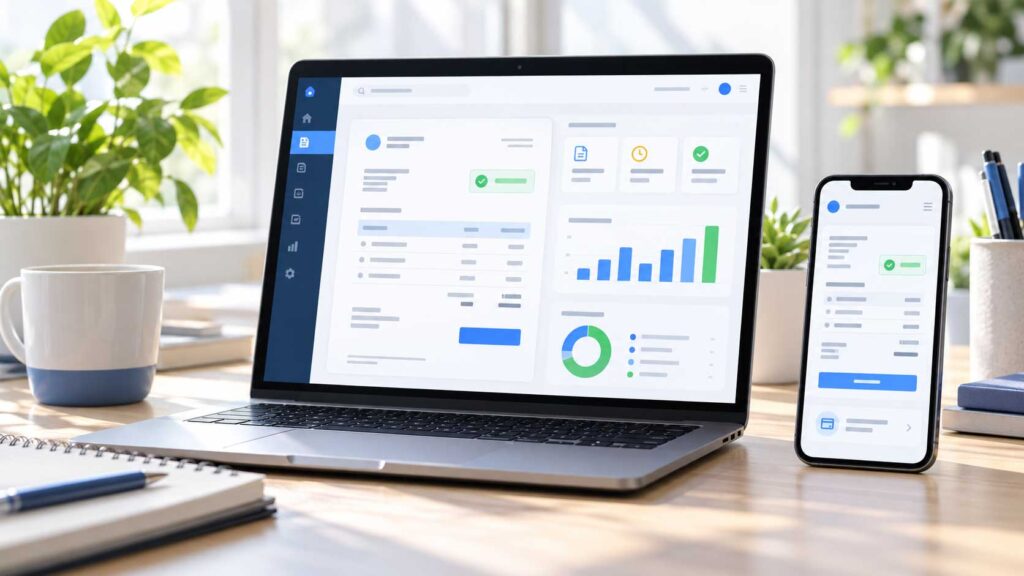
Zoho Invoice is our first pick for freelancers and small businesses that want to move beyond invoice templates without adding a monthly subscription. It includes customizable invoices, estimates, recurring billing, payment reminders, time and expense tracking, and a customer portal.
Why We Like It
Zoho Invoice makes sense when billing is the part of your business you want to improve. If you’re a freelance designer, for example, you could send an estimate for a new website, invoice for the finished work, and schedule a recurring invoice for monthly maintenance. You can keep those records together instead of rebuilding each invoice in a document template.
What to Check Before Choosing
Zoho Invoice is free, but there’s a limit on how many invoices you can create each year. Open Settings → Usage Stats to see how many you have left. Your allowance resets on the anniversary of the date you created your Zoho Invoice organization. Count recurring invoices when estimating your volume: one client billed monthly uses 12 invoices a year.
If you plan to accept payments online, check the fees charged by your chosen payment gateway. If you already use accounting software, also decide how you’ll record invoices and match payments in your books.
Sources: Zoho Invoice pricing and features and Zoho Invoice usage limits.
Who Should Use It?
Start with Zoho Invoice if you want a free tool to send professional invoices, schedule recurring bills, and follow up on unpaid balances. Compare alternatives if you expect to exceed your invoice allowance or want invoicing and full bookkeeping in the same app.
2. FreshBooks: Best for Billing by the Hour
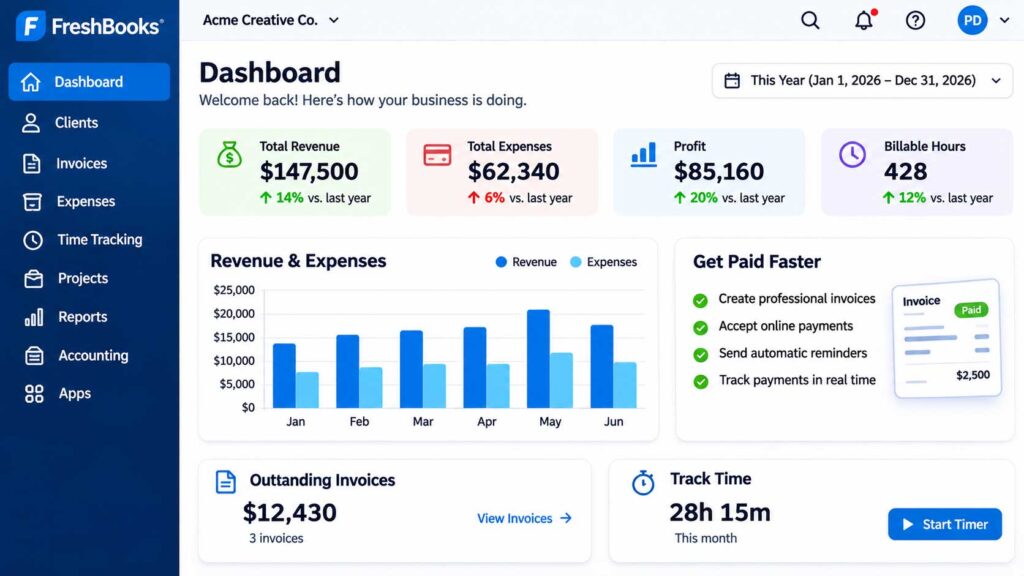
FreshBooks is our pick for freelancers and service businesses that track billable hours and want to turn that time into client invoices. It also supports deposits, recurring invoices, and payment reminders, so it can handle a mix of hourly work, fixed-price projects, and ongoing client services.
Why We Like It
Say you’re a consultant who bills by the hour, asks for a deposit on larger projects, and invoices one client every month for ongoing support. FreshBooks lets you track the hours for one job, request a deposit for another, and schedule the monthly invoice without rebuilding each bill from scratch.
During the trial, run through a job you’ve already billed. If you charge by the hour, check how easily you can turn a time entry into an invoice. If you charge a fixed fee, check whether the deposit and remaining balance are clear on the client’s side.
Pricing and Client Limits
| Plan | Standard monthly price | Billable clients |
|---|---|---|
| Lite | $23 | Up to 5 |
| Plus | $43 | Up to 50 |
| Premium | $70 | Unlimited |
The client limit can matter more than the number of invoices you send. For example, if you bill eight clients once a month, Lite won’t cover them. Plus is the next plan to compare.
Compare the standard rate after any introductory offer. The pricing page lists additional team members at $11 per person per month, and payment processing or optional payment features can add to the cost. If you try FreshBooks first, confirm that the features you use are included in the plan you intend to buy.
Who Should Use It?
Shortlist FreshBooks if you bill for your time or regularly juggle deposits, project balances, and recurring client invoices. If you send only a few straightforward invoices each month, start with a free option such as Zoho Invoice and see whether it covers your needs.
Compare FreshBooks plans and features.
3. Wave: Best for Basic Invoicing With Built-In Bookkeeping
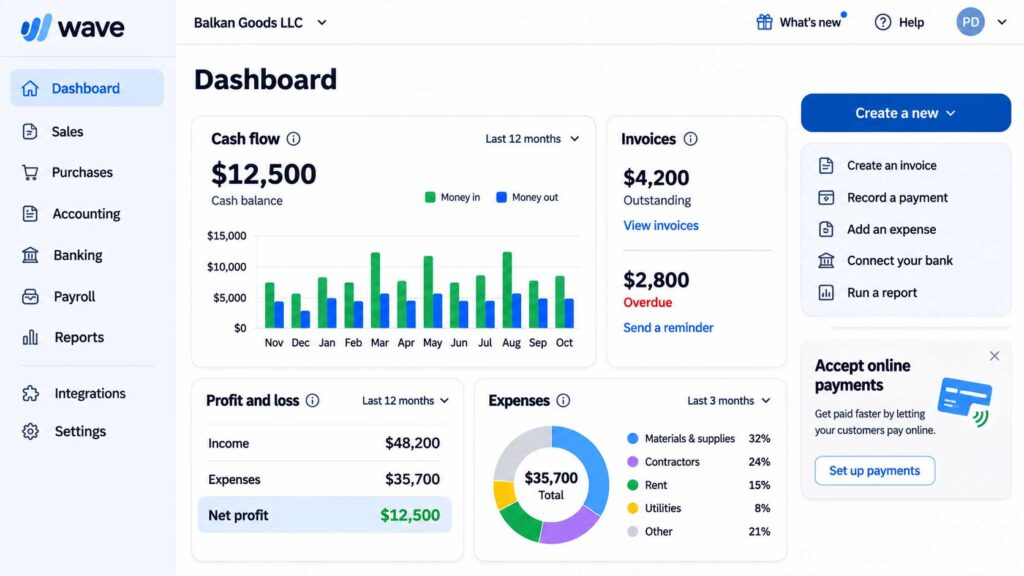
Wave is our pick for solo business owners who want to send invoices and keep basic books in one place. Its free Starter plan lets you create unlimited invoices and estimates. Before signing up, check how you’ll send those invoices and follow up on unpaid balances: some delivery and reminder features on Starter require you to enable Wave’s online payments.
Why We Like It
Wave makes sense when your billing is straightforward and you don’t already have a bookkeeping system you want to keep. A tutor who invoices families at the end of each month, for example, can create those invoices and keep the billing records in the same app.
Start with how your clients already pay. If most pay by check or another method outside Wave, test how you’ll send an invoice, record the payment, and follow up when it’s overdue. If most pay by card, compare the processing fees using your typical invoice amount.
Pricing and Payment Fees
| Plan | Monthly subscription | What to check |
|---|---|---|
| Starter | $0 | Card processing starts at 2.9% + $0.60 per transaction. American Express has a separate rate. |
| Pro | $19 USD when billed monthly | The advertised $0 fixed card fee applies to the first 10 eligible transactions each month. The percentage fee still applies. |
At those rates, removing a $0.60 fixed fee on 10 transactions saves up to $6 a month on fixed fees alone. That’s less than the $19 monthly subscription, so look at which Pro features you’d actually use before upgrading. Also confirm that Wave’s payment services are available where your business operates.
Who Should Use It?
Shortlist Wave if you want basic bookkeeping alongside invoicing and its delivery and payment options fit your clients. If you already have bookkeeping covered and just need a way to send invoices and reminders, compare Wave with a dedicated tool like Zoho Invoice.
Compare Wave’s Starter and Pro plans.
4. Square Invoices: Best for Businesses That Already Use Square
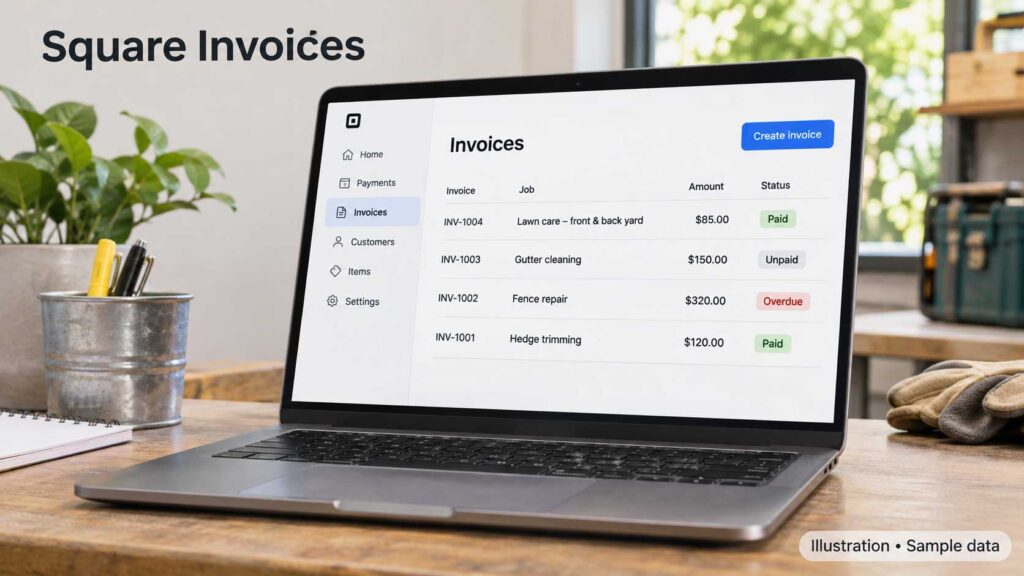
Square Invoices is our pick for local service businesses that already use Square to take payments in person and also need to bill customers after a job. You can start on Square Free, with no monthly subscription fee, and pay processing fees when customers pay online.
Why We Like It
A computer repair shop might take a card payment when someone picks up a laptop, then send an invoice to a business client after an on-site visit. If the shop already uses Square, it can handle both without setting up another payment provider.
Before choosing a plan, send yourself a sample invoice and check the payment options from a customer’s phone. If you collect deposits or bill in stages, check whether the plan supports the payment schedule you need.
Pricing and Invoice Payment Fees
| U.S. plan | Monthly fee per location | Online invoice card fee | Invoice ACH fee |
|---|---|---|---|
| Free | $0 | 3.3% + $0.30 | 1%, $1 minimum |
| Plus | $49 | 2.9% + $0.30 | 1%, $1 minimum, $10 cap |
| Premium | $149 | 2.9% + $0.30 | 1%, $1 minimum, $10 cap |
These are invoice payment rates. Square’s rates for in-person payments can differ.
If you’re considering Plus for the lower invoice card rate alone, you’d need about $12,250 in monthly invoice card payments per location to offset the $49 subscription. If you collect large invoices by bank transfer, factor in the ACH fee cap too.
Who Should Use It?
Start with Square Free if you already use Square and want to send occasional invoices. Consider Plus if you need a specific invoicing feature or your payment volume makes the upgrade worthwhile. If you’re a freelancer who bills entirely online and doesn’t already use Square, compare its total cost with a dedicated invoicing tool such as Zoho Invoice.
Compare Square’s invoice plans and payment fees.
5. Invoice Ninja: Best for Freelancers With a Small Client List
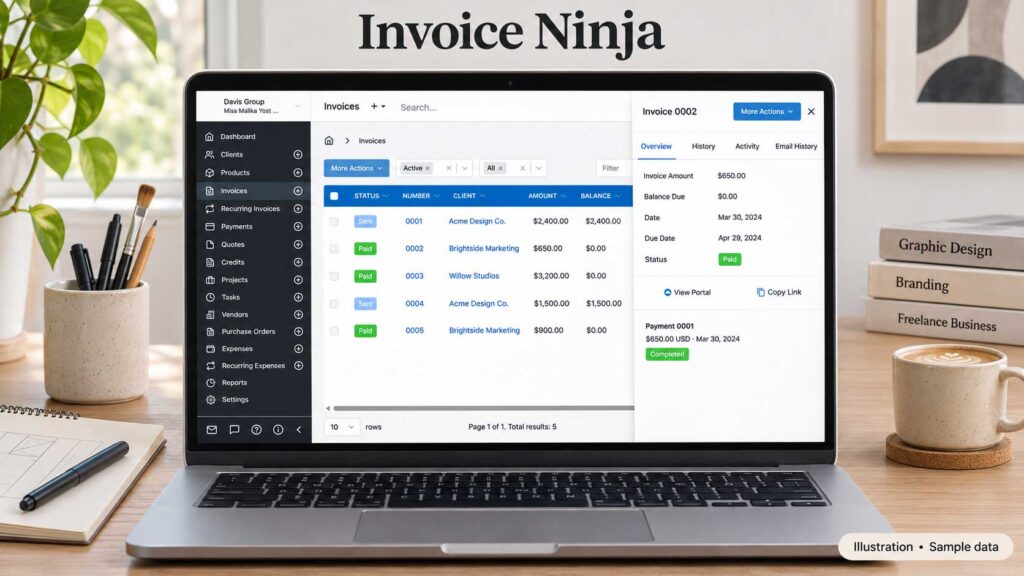
Invoice Ninja is a good fit if you bill the same few clients regularly. Its hosted Free plan lets you send unlimited invoices to up to five clients and includes recurring billing, time tracking, a client portal, deposits, and partial payments.
Why We Like It
A freelance designer with four monthly maintenance clients can schedule an invoice for each client without running into a monthly invoice limit. A photographer billing 20 different customers, on the other hand, would need a paid plan even if each customer receives just one invoice.
Also check which tasks you want to automate. The Free plan can create invoices on a recurring schedule. If you want automatic emails to remind clients about overdue invoices, that feature is listed under Pro.
Pricing and Client Limits
| Hosted plan | Subscription price | What you get |
|---|---|---|
| Free | $0 | Up to five clients and unlimited invoices |
| Pro | $14/month or $140 billed annually | Unlimited clients, custom invoice designs, removal of Invoice Ninja branding, and automatic payment reminders |
| Enterprise | From $18/month | Additional account users and permissions; pricing varies by user count |
Payment processing fees are separate and depend on the gateway you connect. If you’re considering self-hosting, budget separately for hosting, updates, and backups. The prices above apply to Invoice Ninja’s hosted plans.
Who Should Use It?
Start with Invoice Ninja Free if you have five or fewer clients and need recurring invoices, deposits, or partial payments. If you work with a rotating list of customers or want automated overdue reminders, compare Pro with other paid invoicing tools from the start.
Compare Invoice Ninja plans and features.
6. Stripe Invoicing: Best for Businesses That Already Use Stripe
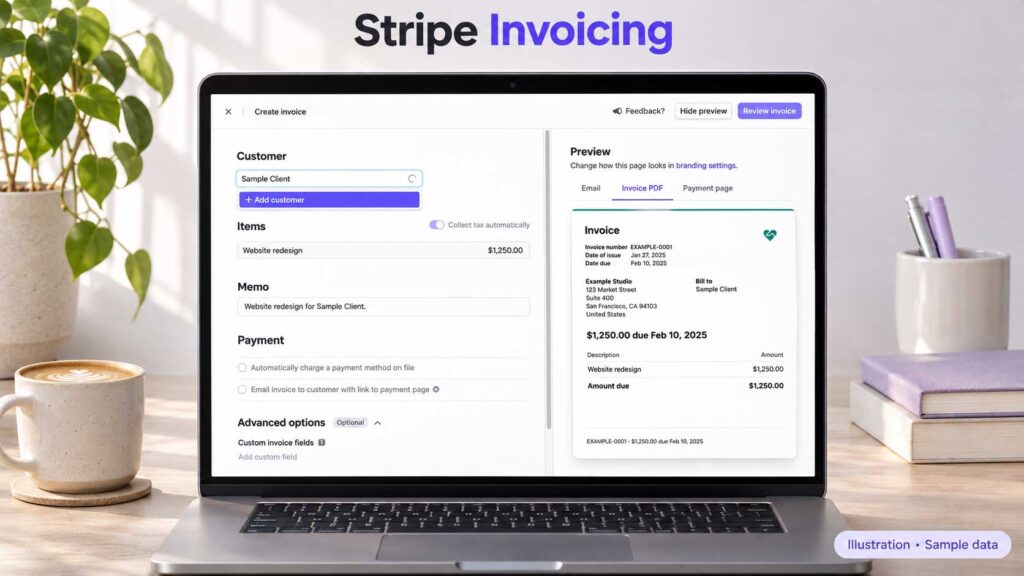
Stripe Invoicing is our pick for businesses that already accept payments through Stripe and want to send clients a hosted invoice they can pay online. You can create invoices in the Stripe Dashboard or use the API to connect invoicing to your website or another business tool.
Why We Like It
Say you run a web design agency that already uses Stripe and needs to bill a client for a one-time redesign. You can create the invoice in the Dashboard and send the client a payment link without setting up a second provider. If you regularly create invoices from orders in your own application, the API gives you a way to automate that step.
If you sell subscriptions and need to manage renewals, plan changes, and cancellations, evaluate Stripe Billing separately. That’s the Stripe product designed for subscription management.
Pricing and Payment Fees
| Plan | Invoicing fee | What to know |
|---|---|---|
| Starter | 0.4% per paid invoice | Includes hosted invoices and payment reminders |
| Plus | 0.5% per paid invoice | Adds quotes |
Stripe Payments processing fees apply separately. On a $5,000 invoice paid through Starter, the invoicing fee alone is $20. To estimate your total cost, apply both sets of fees to a typical month’s payments. If you mainly send a few large invoices, compare that total with a tool that charges a flat monthly subscription.
Who Should Use It?
Start with Stripe Invoicing if you already use Stripe and want to keep client billing in the same account, or if you need to create invoices from your own application. If you just need to send invoices manually and don’t already use Stripe, compare the total fees with a dedicated tool such as Zoho Invoice.
Compare Stripe Invoicing plans and fees.
How to Choose Invoicing Software for Your Business

Pull up a few recent invoices before comparing software. Look at a routine bill, an overdue payment, a deposit, and a recurring invoice if those apply. Include a correction, too. Fixing a bill after it’s been sent can tell you more about a tool than creating a new one from a template.
Match the Software to How You Bill
Pick two finalists and try the same real job in both. If you bill hourly, turn a time entry into an invoice. If you charge by project, send a deposit request and check how the remaining balance appears. If you work on-site, see whether you can create and send an invoice from your phone before leaving the job.
Choose the tool that makes your most common billing tasks easier and gives you a clear way to handle exceptions.
Count Clients, Invoices, and Team Members Separately
One client billed monthly generates 12 invoices a year. Twelve clients billed once generate the same number of invoices but may require a different plan. Check how the software counts clients and invoices, then find out what it costs to give an assistant or employee access.
Price the plan you can use today and check what happens when you reach your next likely limit.
See What Your Client Sees
Send yourself a sample invoice and open it on your phone. Can you quickly tell what the bill is for, how much is due, when it’s due, and how to pay? Follow the payment link to see what the customer sees before submitting a payment.
If you bill companies, check whether you can include a purchase order number, attach supporting documents, and send the invoice directly to the person who processes payments.
Decide How Invoices Will Reach Your Books
If you use separate billing and accounting tools, decide where you’ll issue invoices and how you’ll record payments and corrections in your books. Test one sample invoice from start to finish so you know who will record each step and whether any information transfers automatically.
Avoid creating the same invoice independently in both systems. If you also need bank reconciliation, expense tracking, and financial reports, see our guide to the best accounting software for small businesses.
What Invoicing Software Really Costs
A free invoicing plan can still cost you money every time a client pays online. To compare tools, add up the monthly subscription, any extra user charges, payment processing fees, and any separate per-invoice fees. Use the same month’s activity for each tool so you’re comparing the same workload.
Calculate Fees Using a Typical Month
Look at how many payments you received, how much each was for, and how clients paid. Apply the relevant rates for card payments and bank transfers. If you occasionally send a much larger invoice, run that example separately to see how it changes the cost.
For example, suppose you collect 20 card payments of $500 each. At an illustrative rate of 3% + $0.30 per payment, you’d pay $306 in processing fees: $300 in percentage fees and $6 in fixed fees. That’s before any subscription or separate invoicing charges.
Factor In the Time You Spend Billing
Think about how much time you spend building invoices, fixing errors, matching payments, and chasing overdue balances. A paid plan may be worth it if it reliably takes work off your plate.
Before committing to an annual plan, try the task you expect to save the most time on. If you bill the same clients every month, set up a recurring invoice and see how much work it actually saves.
Check When the Money Reaches Your Bank
An invoice marked paid doesn’t necessarily mean the funds are in your bank account. If you rely on client payments to cover payroll or supplier bills, check how long payouts typically take for the payment methods your clients use. When planning what you can spend, keep unpaid invoices and pending payouts separate from funds already deposited.
A Practical Workflow for Sending and Following Up on Invoices
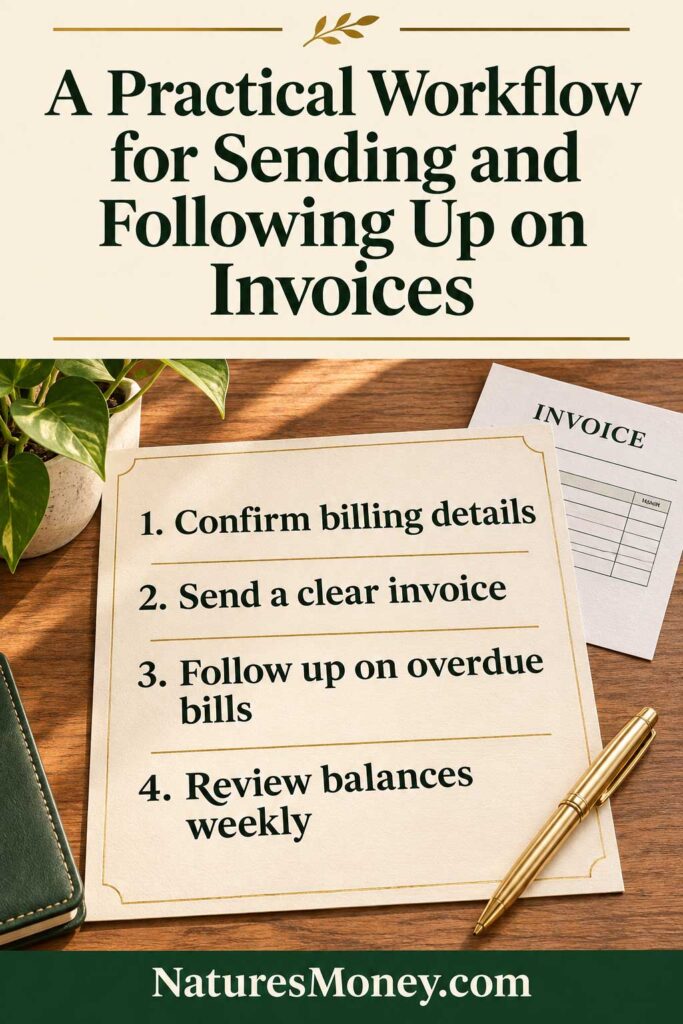
Set up your invoicing routine before the first bill goes out. Agree on what you’ll charge, when you’ll invoice, and who should receive the bill. Then use the same process for each job so it’s easy to see what’s been sent, what’s been paid, and what needs a follow-up.
Confirm the Billing Details Before You Start
Ask who approves invoices and where to send them. Your day-to-day contact may be different from the person who processes payments. Check whether the client needs a purchase order number or supporting documents.
If you manage several contacts at each company, a CRM for small businesses can help you keep track of who approves the work and who handles billing.
For projects billed in stages, agree on what triggers each invoice. For example, a website project might have a deposit at kickoff, a second payment when the design is approved, and a final balance at launch.
Send an Invoice Your Client Can Approve
Assign each invoice a unique number and describe the work in terms the client will recognize. “Website maintenance for September” is easier to verify than “services rendered.”
Before sending, double-check the amount, billing period, due date, and payment instructions. If the client has already paid a deposit, make the remaining balance easy to spot.
Make Overdue Reminders Easy to Act On
Include the invoice number, original due date, outstanding balance, and a link to the invoice. Keep the first reminder simple and give the client a way to ask a question if something looks wrong.
If a client disputes a charge or agrees to a revised payment date, pause or adjust any automated reminders so they reflect the conversation you’ve already had.
Review Unpaid Invoices Once a Week
Set aside a few minutes each week to check open balances. Send routine reminders where needed, follow up personally on invoices that are stuck, and match any payments received outside the invoicing app.
That quick review can catch a bill sent to the wrong person or a payment you forgot to record before either turns into another round of follow-ups.
Common Invoicing Software Mistakes to Avoid
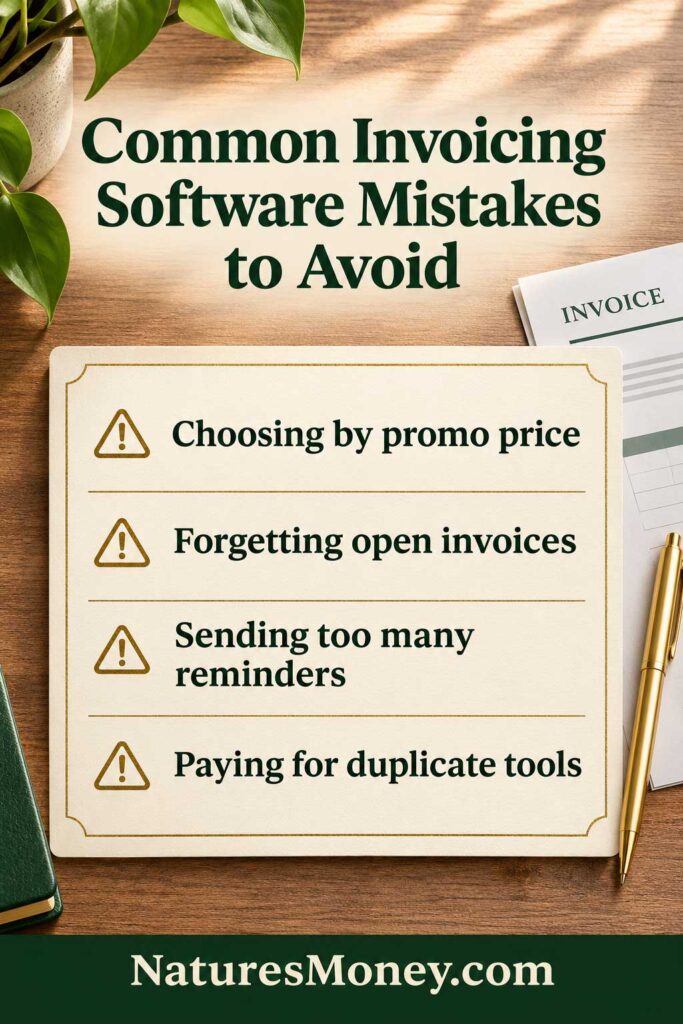
Before you pick an invoicing tool or switch from your current one, check what it will cost after the first few months and how it will handle invoices you’ve already sent. A few checks up front can help you avoid paying for features you already have, sending duplicate bills, or chasing a payment that’s held up for a reason a reminder can’t fix.
Choosing a Plan Based on the Introductory Price
Check what you’ll pay once the promotion ends. Price the plan that covers your actual client list, team members, and billing needs. A discounted entry plan may cost less today, but that comparison changes if you need to upgrade as soon as you add another client.
Switching Tools Without a Plan for Open Invoices
Before switching, export the invoices and payment records you need to keep. Decide where you’ll track payments on invoices already sent and how clients can get copies of older bills.
Set a clear cutoff for recurring invoices: confirm the last scheduled send in the old tool and the first in the new one. That helps prevent two invoices for the same billing period.
Sending More Reminders Before Checking the Problem
Before sending another reminder, check whether the invoice reached the right person, whether the client needs a purchase order number, or whether they’ve already raised a question about the bill. A quick note to the billing contact can uncover what’s holding up approval.
Paying Twice for the Same Features
Try the invoicing features in your existing accounting or payment software first. If you can send a clear invoice, accept the payment methods your clients use, and track what’s overdue, a separate subscription should solve a specific problem, such as billing for project milestones or turning tracked hours into invoices.
If you’re reviewing your subscriptions, see our guide to the best apps for small business to compare tools for the other work you handle every week.
Frequently Asked Questions About Best Invoicing Software
What is the best invoicing software for small businesses?
Zoho Invoice is our starting pick if you want free invoicing and its annual allowance covers your workload. Try FreshBooks if you bill by the hour and want to turn tracked time into invoices, or Square Invoices if you already take payments through Square.
Is there free invoicing software for freelancers?
Yes. Zoho Invoice is free with annual usage limits, Wave offers a free Starter plan, and Invoice Ninja’s hosted Free plan lets you send unlimited invoices to up to five clients. Check which features each free plan includes and what you’ll pay when a client pays online.
What is the difference between invoicing and accounting software?
Invoicing software helps you send bills, track what clients owe, and follow up on overdue payments. Accounting software manages the broader financial picture, including expenses, bank reconciliation, and financial reports. Some tools do both, so check what your existing software already covers before paying for a separate invoicing app.
Can invoicing software send recurring invoices?
Yes. Many tools let you schedule an invoice to go out on a regular basis, such as the first of each month. If you also want to charge the client automatically, check whether your plan and payment provider support it and how the client authorizes the charge.
Does invoicing software guarantee faster payment?
No. A clear invoice, a convenient payment link, and a timely reminder can make it easier for a client to pay. How quickly the money arrives still depends on the agreed terms, the client’s approval process, and how long the payment takes to process.
How should I compare invoicing software costs?
Use a typical month of payments to compare tools. Add the regular subscription price, any extra user charges, and the fees for invoicing and collecting payments. Check client and invoice limits too: a low-cost plan can become more expensive if your normal workload requires an upgrade.
Our Recommendation: Pick the Tool That Fits How You Bill
If you’re switching from invoice templates, start with Zoho Invoice. Check that its annual invoice allowance covers both one-time jobs and recurring bills. If you bill the same five or fewer clients and need deposits or partial payments, Invoice Ninja Free is worth trying alongside it.
If you spend time turning tracked hours into invoices, FreshBooks is a better starting point. Price the plan that covers your billable clients. If you want simple invoicing and basic bookkeeping in one place, Wave is worth a look. Check that its invoice delivery and payment options suit the way your clients already pay.
If you already take payments through Square, try Square Invoices first, especially if some customers pay in person and others pay after the job. If you already use Stripe or need to create invoices from your own application, start with Stripe Invoicing and calculate its invoicing and processing fees together.
The best invoicing software for small businesses is the one that makes your everyday billing easier. Pick two finalists and test the same task in each. Send yourself a sample invoice, open it on your phone, and check how you’d record a payment or follow up if it’s late. Then compare what each tool would cost in a typical month, including payment fees.
Read More: Small Business Software Guides
- Best Accounting Software for Small Businesses — Compare tools for tracking expenses, reconciling bank transactions, and running financial reports.
- Best CRM Software for Small Businesses — Find a tool to organize client details and follow up on leads before it’s time to send an invoice.
- Best Apps for Small Business — Explore tools for scheduling, managing projects, and handling other day-to-day work.