




The best customer support software for small businesses helps you stay on top of customer questions as your business grows. An order inquiry arrives during a client meeting, a refund request gets buried in your inbox, or two teammates reply to the same message while another goes unanswered.
These tools help you organize conversations, assign requests to the right person, and track what still needs attention. The right choice depends on how customers contact you, how many people handle support, and where your current process falls short.
This guide compares Freshdesk, Zoho Desk, Help Scout, Tidio, Zendesk, and Intercom, covering their documented features, pricing, and suitability for different support needs—from shared inboxes and ticketing to website chat and AI assistance.
If you’re a solo owner with a manageable inbox, you may not need dedicated software yet. But when messages start slipping through or customer questions require frequent handoffs, a shared support system is worth considering.
Affiliate disclosure: Some links in this article may be affiliate links. If you make a purchase or sign up through one of them, NaturesMoney may earn a commission at no additional cost to you.
Best Customer Support Software at a Glance

The table below summarizes our suggested use cases and the pricing references reviewed for this guide.
| Software | Best Suited For | Pricing Overview | Key Buying Consideration |
|---|---|---|---|
| Freshdesk | Teams that need organized ticket handling | Growth: $19 per agent/month, billed annually | Confirm included channels and additional AI costs. |
| Zoho Desk | Small teams starting with email support | Free plan for three users; paid plans available | Check local pricing and the features included in each edition. |
| Help Scout | Teams managing customer conversations through a shared inbox | Free and paid plans | Compare user, inbox, contact, and channel limits. |
| Tidio | Businesses handling questions on their website | Free and paid options | Check allowances for billable conversations and Lyro AI usage separately. |
| Zendesk | Growing teams managing support across several channels | Support Team: $19; Suite Team: $55 per agent/month, paid yearly | Compare basic ticketing with the broader Suite features. |
| Intercom | Businesses combining customer messaging with AI support | Seat fees plus usage; Fin from $0.99 per outcome | Review how outcomes are counted and which channels incur extra charges. |
How We Compared These Platforms
We compared these platforms using official pricing pages and published feature descriptions, focusing on the needs of small businesses: organizing requests, assigning conversations, supporting different channels, and understanding the total cost.
Our recommendations reflect those documented features and their potential fit for everyday work. We haven’t tested all six platforms hands-on, so we don’t rank them by setup speed, AI accuracy, or customer satisfaction.
For each platform, we explain who should consider it and what to check during a trial. A shared inbox, clear ownership, saved replies, and a searchable conversation history may cover your needs. More advanced routing becomes useful when requests regularly move between people or departments.
1. Freshdesk — For Structured Ticket Handling
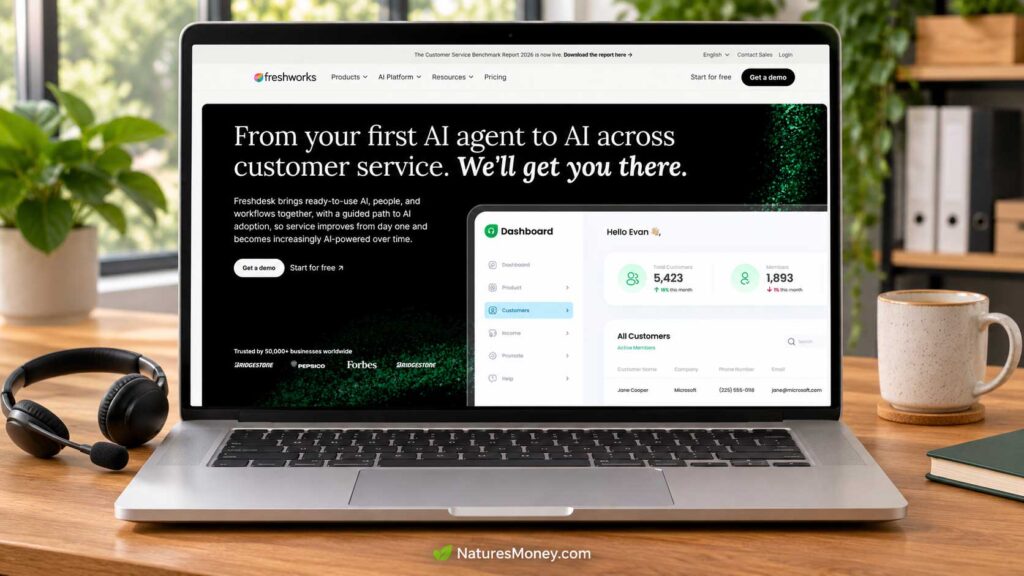
Freshdesk gives teams a shared place to manage requests that have become difficult to track in individual inboxes.
For example, one person might handle an order question while another investigates a technical problem. Keeping the conversation and internal notes together can make those handoffs easier to follow.
Key Features
Freshdesk Growth includes:
- Ticketing and a shared inbox for managing incoming requests.
- A customer portal where customers can submit support requests.
- A knowledge base for publishing answers to common questions.
- Reporting to help you review support activity.
- Threads and tasks for coordinating work around a ticket.
- Roles and permissions to control team access.
Higher plans add capabilities such as more advanced routing and custom reporting. Feature availability depends on the subscription you choose.
Freshdesk Pricing
Freshdesk Growth costs $19 per agent per month when billed annually. For three agents, the base subscription is $684 per year, equivalent to $57 per month, before taxes and additional charges.
AI usage and optional add-ons can increase the total, so compare the full configuration your team needs. Check Freshdesk’s current pricing.
What to Check Before Buying
Confirm that your chosen product and plan support the channels customers actually use. Freshworks sells several support products, so check the specific subscription rather than assuming every advertised capability is included.
During the trial, test a complete handoff: receive a question, assign it, add an internal note, and have another teammate finish the conversation. Check whether they can find the context without asking the customer to repeat it.
Who Should Use Freshdesk?
Freshdesk suits small teams that need clear ticket ownership, organized follow-up, and a shared customer conversation history. It is particularly worth evaluating when requests regularly move between colleagues or remain open across several replies.
2. Zoho Desk — For Small Teams Starting With Free Email Support
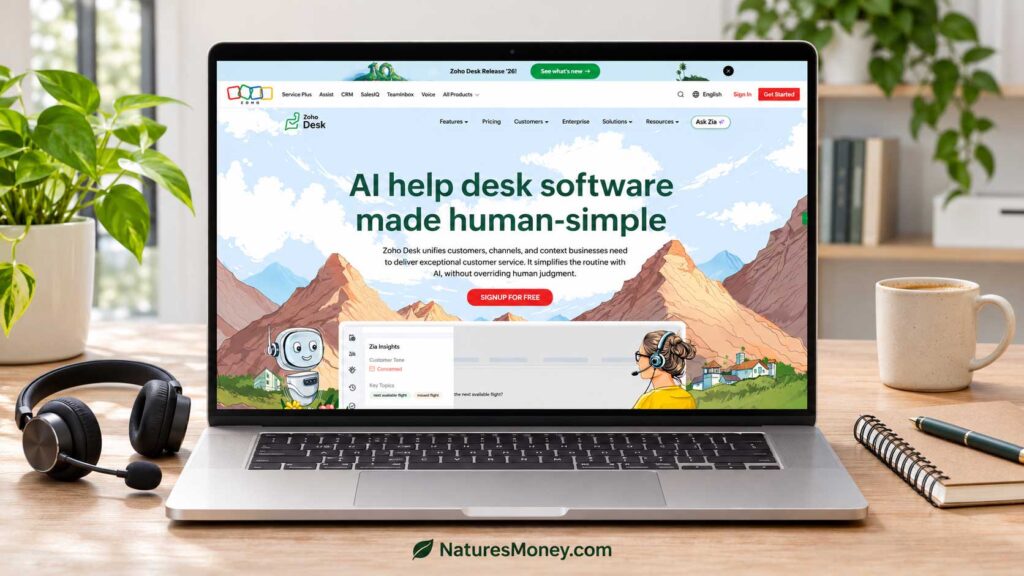
Zoho Desk gives small businesses a way to organize customer emails into support tickets. Its free edition supports three users, making it worth considering when a small team needs a shared system without an immediate subscription cost.
Key Features
Zoho Desk offers the following capabilities across its editions:
- Email ticketing for organizing customer requests.
- Web forms for collecting questions through your website.
- Assignment rules for directing tickets to the appropriate person.
- A knowledge base for publishing helpful articles.
- Workflow automation for handling routine steps.
- Reports and dashboards for reviewing support activity.
- Connections with other Zoho applications, depending on the integration and plan.
The free edition covers basic email ticketing. Check the edition comparison before assuming the other features are included.
Zoho Desk Pricing
Zoho Desk offers a free plan for up to three users, alongside paid editions with additional features.
Paid pricing varies by edition, billing term, and region. Select your currency on the official pricing page and calculate the cost for everyone who needs access. When moving to a paid edition, check how all users will be billed.
What to Check Before Buying
Start with a typical customer question and follow it through assignment, a teammate’s response, and closure. Check whether everyone can see who owns the request and what happens next.
If you already use Zoho CRM or another Zoho application, test the specific information you need to share. Confirm that the integration works on your chosen editions and gives support staff the context they need.
Who Should Use Zoho Desk?
Zoho Desk is worth evaluating for small teams seeking free email ticketing and businesses already using Zoho applications. Start with the free edition, then consider upgrading when a specific channel, integration, or workflow requires it.
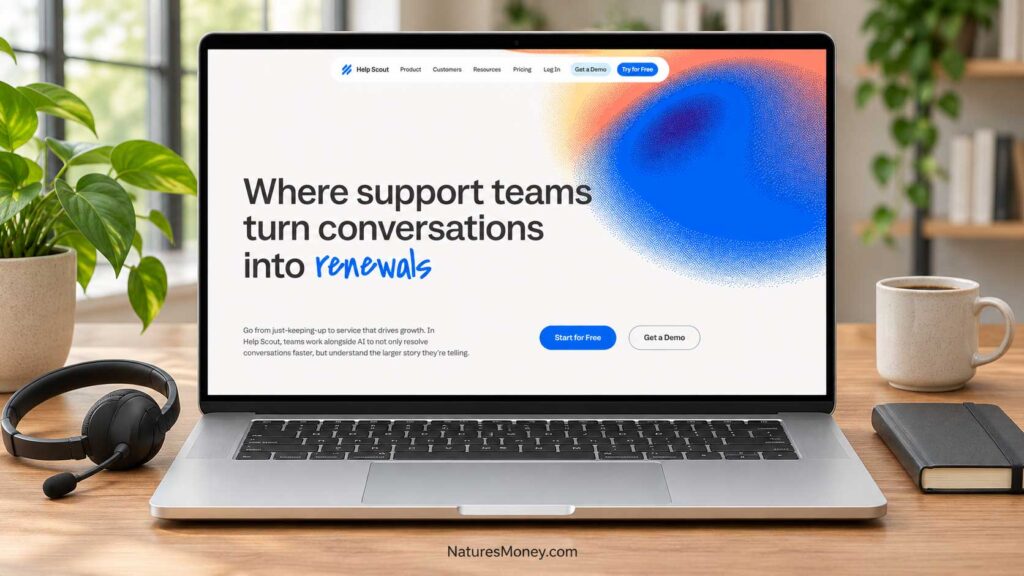
Help Scout brings customer conversations into a shared workspace where teammates can coordinate replies and follow-up. It suits teams where several people answer customer emails and need to see what has already been discussed.
For a small service business, that might mean one person gathers the details of a problem while another provides the answer. A shared conversation history helps the second person understand what the customer has already explained and what your team has promised.
Key Features
Help Scout offers the following capabilities across its plans:
- Shared inboxes for managing customer conversations together.
- Knowledge bases for publishing answers and instructions.
- Saved replies for frequently asked questions.
- Tags for organizing conversations by topic.
- Workflows for automating selected support tasks.
- Live chat and additional messaging channels, depending on the plan.
Check the current plan comparison for feature availability and limits. Compare Help Scout plans.
Help Scout Pricing
Help Scout offers a Free plan alongside paid Standard, Plus, and Pro plans. The free plan includes up to five users, one inbox, one Docs knowledge-base site, and 100 contacts per month. A contact is someone who receives a reply from your team or has a question resolved by the AI assistant; multiple conversations with that person count as one contact.
When comparing paid plans, check the billing term, required users, included inboxes, and any additional charges. A free plan may accommodate your team size while still limiting the volume or features you need.
What to Check Before Buying
Test a conversation that requires two people: have one teammate collect information and another finish the request. Check whether both can find the relevant history and understand who needs to act next.
If you manage several support addresses, calculate how many inboxes you need. Also test your required channels so you understand how those conversations appear in the workspace.
Who Should Use Help Scout?
Help Scout is worth evaluating for small teams that handle support mainly through customer conversations and shared email inboxes. It is a useful shortlist option when clear context, reusable answers, and straightforward handoffs are your main priorities.
4. Tidio — For Website Chat and Customer Questions

Tidio combines live chat, help desk tools, automated Flows, and its Lyro AI Agent. Its website chat tools give visitors a way to ask questions while browsing.
For an online store, those questions might concern product availability, delivery, or returns. A service business might receive questions about booking or what a package includes. Before adding chat, decide who will answer and how conversations will be handled when that person is unavailable.
Key Features
Tidio’s main tools include:
- Live chat for conversations with website visitors.
- Help desk functionality for managing customer requests.
- Flows for setting up automated visitor interactions.
- Lyro AI Agent for automated answers.
- Integrations for connecting Tidio with other business tools.
Availability and usage allowances depend on your configuration. Check the specific integration and plan before assuming it supports your workflow.
Tidio Pricing
Tidio offers free and paid options, with costs influenced by the features and usage allowances you select.
Pay particular attention to billable conversations and Lyro AI conversations, which are tracked separately. Estimate both your team’s customer conversations and any automated support usage before choosing a plan.
Check Tidio’s current plans and allowances.
What to Check Before Buying
Test a typical visitor question, an unanswered message, and a conversation that needs a person to take over. Check what the customer sees outside support hours and whether your team can find unfinished requests.
Preview the widget on mobile, especially on product pages, forms, and checkout. Visitors should be able to reach important controls without the chat window getting in their way.
If you plan to use Lyro, test questions with exceptions or missing information alongside straightforward FAQs. Check whether the customer has a clear route to a person when needed.
Who Should Use Tidio?
Tidio is worth evaluating for online stores and service businesses that receive frequent questions through their websites. It is most useful when you have someone responsible for replies, accurate information for automated answers, and a clear process for following up.
5. Zendesk — For Growing Teams Managing Multiple Support Channels

Zendesk brings ticketing and routing tools to businesses handling requests across several people and support channels.
For example, billing questions can go to your accounts team while technical problems reach a specialist. During your trial, check whether each team can access the conversation history and see who is responsible for the next step.
Key Features
Zendesk offers the following capabilities across its Support and Suite plans:
- Email and ticketing for organizing customer requests.
- Ticket routing for directing work to the appropriate team.
- Messaging and live chat through Suite plans.
- A knowledge base for publishing customer help articles.
- Reporting dashboards for reviewing support activity.
- Automations and triggers for handling routine steps.
- Advanced routing and permissions on selected higher tiers.
Check the plan comparison carefully, as the basic Support offering and broader Suite plans include different capabilities.
Zendesk Pricing
Zendesk lists Support Team at $19 per agent per month and Suite Team at $55 per agent per month, both paid yearly.
For three agents, Suite Team’s base subscription is $1,980 per year, equivalent to $165 per month, before taxes, optional features, and usage charges. Compare the total cost of the setup your team needs.
What to Check Before Buying
Bring examples of your actual routing needs to the demonstration. Test a billing question, a technical issue, and a request that needs another team’s input. Check whether ownership stays clear throughout each handoff.
Include setup, staff training, and ongoing administration in your evaluation. Also confirm which licenses allow customer replies and which provide limited internal collaboration.
Who Should Use Zendesk?
Zendesk is worth evaluating for growing businesses with several support agents, multiple customer contact channels, or more involved routing requirements. Its broader capabilities are most useful when your team has a defined process and someone responsible for maintaining the system.
6. Intercom — For Customer Messaging and AI-Assisted Support
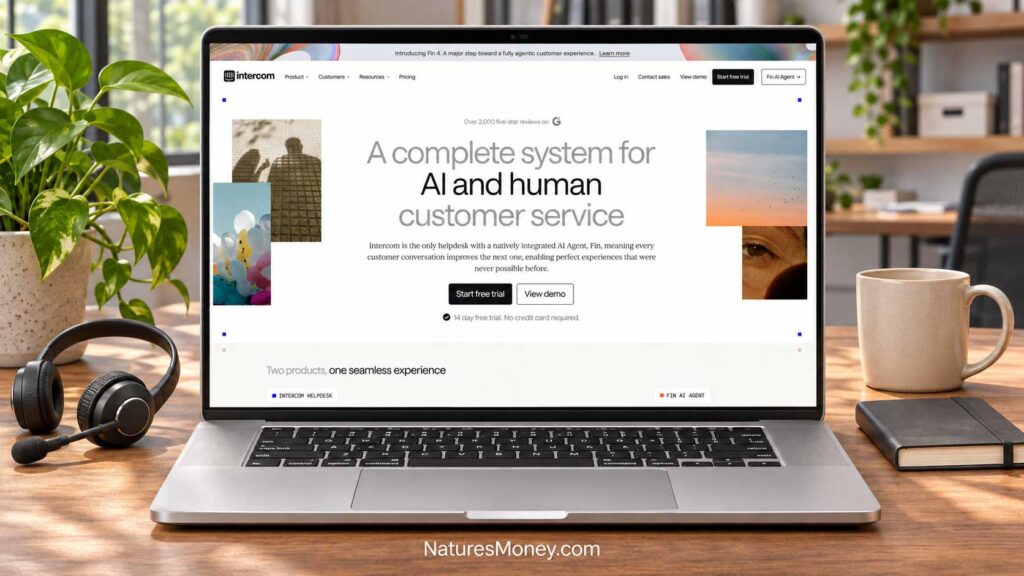
Intercom combines customer messaging, a shared inbox, ticketing, and a help center with its Fin AI Agent. Its Messenger gives customers a way to ask for help while using your website or digital product.
For example, a customer might ask how to access an account or use a feature. Automated answers can handle routine questions, while your team takes over conversations that require investigation or an exception to your usual process.
Key Features
Intercom offers the following capabilities across its plans:
- Messenger for customer conversations on your website or product.
- A shared inbox and ticketing system for managing follow-up.
- A public help center for publishing support articles.
- Fin AI Agent for automated customer assistance.
- Reports for reviewing support activity.
- Workflow automation and team routing on selected higher plans.
Check which features belong to your chosen plan and which involve additional usage charges.
Intercom Pricing
Intercom’s help desk pricing combines paid seats with usage charges. Fin is listed from $0.99 per outcome, with separate charges potentially applying to certain messaging channels and optional features.
Read the outcome definition carefully. A billable outcome can include a confirmed resolution, a response followed by no further request for help, or completion of certain workflows—including handoffs. It does not always mean a customer explicitly confirmed that the issue was resolved.
What to Check Before Buying
Estimate the cost of required seats, expected Fin outcomes, and any paid channel usage. Check promotional terms, billing commitments, and how charges change during a busy month.
During your trial, test routine questions, incomplete information, and requests that need human judgment. Confirm that customers can reach a person and that the teammate taking over receives enough context to continue.
Who Should Use Intercom?
Intercom is worth evaluating for businesses that provide support through a website or digital product and want to combine messaging with AI assistance. It is a stronger fit when you have accurate help content, recurring customer questions, and a team responsible for handling exceptions.
These tools often overlap, but each serves a different purpose. Start with the problem you need to solve: sharing messages, tracking unresolved requests, answering website visitors, or managing customer relationships.
A shared inbox lets several people manage messages sent to addresses such as support@yourbusiness.com. It helps teammates see who is handling a conversation and which messages still need attention.
Look for assignment, internal notes, and clear conversation statuses. A shared inbox may be enough for a small team that mainly handles support through email.
Help Desk
A help desk organizes customer questions into tickets that can be assigned, tracked, and resolved. It becomes useful when requests involve several replies, deadlines, or handoffs between colleagues.
For example, a billing question might go to your accounts team while a technical issue goes to a specialist. Each request should have an owner and a clear next step.
Live Chat
Live chat gives website visitors a way to ask questions while browsing. It can be useful when someone needs clarification before buying a product or booking a service.
Set realistic response expectations. If your team cannot monitor chat consistently, explain your availability and let visitors leave a message for follow-up.
CRM
A customer relationship management system, or CRM, keeps track of contacts, sales opportunities, and relationship history. A help desk focuses on handling customer problems and service requests.
Some platforms combine both functions. Even then, define who handles new sales inquiries and who owns support requests so each conversation reaches the right person.
If you also need to organize contacts, sales opportunities, and follow-up tasks, compare our guide to the best CRM software for small businesses.
How to Choose Customer Support Software for Your Business
The best customer support software for small businesses should address a problem you already face, whether that is missed messages, slow follow-up, or confusion about who should reply. Use your everyday customer requests to decide which features matter.
Start With the Requests You Receive
Review a typical week or month of customer messages. Note the common topics, where questions arrive, and who handles them.
Look for recurring problems. Messages buried in personal inboxes suggest a need for a shared queue. Repeated questions may call for better help articles and saved replies. Requests that stall between colleagues need clearer ownership and handoffs.
Define Your Essential Workflow
Before starting a trial, write down how a typical request should move through your business—from the first message to a useful answer.
Then test what happens when the usual person is unavailable or another teammate needs to help. Can someone find the conversation, understand what has happened, and take responsibility for the next step?
Choose a plan that supports these tasks. Upgrade when an additional feature solves a specific problem.
Test the Channels and Integrations You Need
Check how the platform handles the channels your customers actually use, such as email, website forms, chat, social messages, or phone calls. Make sure replies, attachments, and relevant customer details remain easy to find.
For integrations, test the exact task you expect to perform. An online store might need staff to view order details from a support conversation. A service business might need to connect a question with an existing booking. Confirm that the connection works on your chosen plans.
If you also send newsletters or automated marketing follow-ups, review our guide to the best email marketing software for small businesses. Keep promotional campaigns separate from replies to customer support requests.
Check Data Exports and Account Access
Before moving customer conversations into a platform, check what you can export, which formats are available, and whether attachments and conversation history are included.
Keep account ownership and billing under business control. Give teammates access appropriate to their roles, and establish how you will remove access when someone leaves.
Checking these details early makes the system easier to manage and helps you understand the work involved if you switch providers later.
How to Compare Customer Support Software Costs
The advertised price may cover only part of what your business needs. Compare the cost of your full setup, including staff access, essential features, usage charges, and time spent managing the system.
A useful planning formula is:
Monthly operating cost = seat fees + paid add-ons + channel and AI usage + administration time.
Estimate a typical month and a busier month so you can see how costs might change. Keep one-time migration and initial training costs separate.
| Example Expense | Monthly Estimate |
|---|---|
| Three seats at $25 each | $75 |
| Usage charges and add-ons | $40 |
| Estimated software bill | $115 |
| Two administration hours valued at $30 each | $60 |
| Total cost, including staff time | $175 |
These figures are illustrative, rather than a vendor quote. The $60 represents the value of staff time and may not be an additional cash expense. Replace the amounts with your expected costs.
Understand What You Are Being Charged For
Providers may charge by agent, user, contact, conversation, or AI outcome. These billing units measure different things, so the lowest advertised price may not produce the lowest bill.
Check what triggers a charge, whether repeat interactions count again, and what happens when you reach an allowance. Also confirm whether exceeding a limit results in extra fees, restricted service, or a required upgrade.
Consider Annual Billing After Testing the Platform
Annual billing can reduce the monthly equivalent, but it usually requires a longer commitment and a larger upfront payment.
Complete a trial or short pilot first. Once you know the platform suits your team, compare the annual saving with the flexibility of monthly billing. Review renewal prices, cancellation terms, and refund policies before committing.
When Is a Free Customer Support Plan Enough?
A free plan may cover your needs if it supports everyone who handles customer questions, the channels you use, and your usual message volume. It can also help you see whether a shared inbox and assigned conversations make follow-up easier.
Before relying on it, check what happens when you reach a limit. Confirm whether service pauses, features become unavailable, or you need to upgrade.
Consider a paid plan when a specific restriction prevents necessary work—for example, when another teammate needs access, an essential channel is unavailable, or requests need routing that the free edition cannot provide.
If you already manage customer messages reliably, there may be no reason to add another subscription. Start with clear responsibilities and a consistent inbox routine, then pay for software when it solves a problem your current process cannot handle.
Build a Useful Knowledge Base Before Adding AI
An AI support assistant needs accurate, current information to answer customer questions reliably. Start by documenting the questions your team handles most often, such as delivery areas, returns, booking changes, account access, and what your services include.
These articles also give customers a place to find answers themselves and help your team respond consistently.
Answer One Question per Article
Use a title your customer would recognize, such as “How Do I Change My Appointment?” Put the direct answer first, followed by the steps, relevant conditions, and any exceptions.
Finish with a clear next step for anyone who still needs help. A customer should know how to contact your team if the instructions do not cover their situation.
Keep Answers Current
Give someone responsibility for reviewing each topic. Update the relevant articles whenever your policies, prices, services, or delivery arrangements change.
Keep public guidance separate from internal procedures. Customers need clear instructions, while staff may need additional details about approvals and exceptions.
Make Human Help Easy to Reach
Test how the assistant handles unclear questions, missing information, and requests outside your usual policies. Refund exceptions, account problems, and disputed promises should have a clear route to someone authorized to help.
Review incorrect answers, reopened requests, and repeated customer follow-ups. Check whether people actually received useful help—not simply whether the automated conversation ended.
A Practical Two-Week Evaluation Plan
Use a focused trial to compare two shortlisted platforms against the same everyday tasks. Aim to learn whether your team can handle requests reliably and what the setup will cost. Adjust the schedule to fit each provider’s trial period.
Days 1–3: Record Your Current Support Problems
Review open requests, missed messages, common questions, and time spent searching for customer details. Note where handoffs break down.
Agree on support hours and a realistic response target. Use these findings to choose two platforms and define what a successful trial would look like.
Days 4–7: Test Everyday Scenarios
Send sample requests covering a simple question, a handoff, an unavailable teammate, a reopened issue, and an after-hours message.
Run the same scenarios in both platforms. Check the desktop and mobile experience, paying attention to whether staff can find the conversation history and identify who should act next.
Days 8–10: Run a Small Live Pilot
Choose the stronger candidate for a limited pilot with real customer requests. Assign someone to oversee the transition and make clear where replies should be sent to prevent duplicate responses.
Start with a manageable queue, a few approved replies, and help articles for common questions. Record problems as they happen.
Days 11–14: Review Results and Costs
Compare the pilot with your starting point. Were requests easier to track? Could teammates take over without losing context? Did customers receive clear answers and next steps?
Review usage charges and the time spent managing the platform. Choose a plan when the workflow and total cost make sense. If important problems remain, resolve them or test another option before making a longer commitment.
Common Customer Support Setup Mistakes
Customer support software works best when your team knows who handles each request and what happens next. Watch for these common setup mistakes.
Adding Channels Nobody Monitors
A chat widget or new messaging channel gives customers another place to expect a reply. Assign someone to monitor it, publish realistic support hours, and explain how after-hours messages will be handled.
Test that process before making the channel available to customers.
Automating Without Clear Ownership
Automatically forwarding a request does not guarantee someone will act on it. Define who owns each type of question before creating assignment rules.
Keep a monitored fallback queue for requests that do not match a rule or fail to reach the intended person.
Confusing a Fast Reply With a Useful Answer
An acknowledgment tells customers their message arrived, but their problem may still need attention. Review whether answers are helpful, whether requests reopen, and whether customers have to contact you again.
Keep requests open when further action is needed, even if closing them would improve your reporting.
Paying for Features You Do Not Need Yet
Choose a plan that covers your current team and essential tasks. Leave room for growth, but identify what would justify an upgrade—such as another support channel, additional staff, or more advanced routing.
Review those needs as the business changes so each upgrade has a clear purpose.
Which Customer Support Platform Fits Your Business?
Your business type can help narrow the options, but the deciding factors are how customers contact you and how your team handles their requests.
| Business Situation | Platforms to Consider | What to Test First |
|---|---|---|
| Solo consultant with occasional questions | Your existing inbox or a suitable free plan | Can you track unanswered messages and follow up consistently? |
| Small service team | Freshdesk, Zoho Desk, Help Scout | Can teammates assign requests and take over without losing context? |
| Online store receiving frequent website questions | Tidio; consider a help desk for longer-running issues | Does chat work well on mobile, and can staff access the order details they need? |
| Business supporting a digital product | Intercom, Freshdesk, Zendesk | Can customers get relevant answers and reach a person when needed? |
| Growing team handling several support channels | Zendesk; compare other platforms against your requirements | Can requests reach the right team without creating extra administrative work? |
These are starting points based on our editorial assessment. Test your most common requests in two shortlisted platforms, then compare usability, required features, and total cost before choosing.
Frequently Asked Questions
What Is the Best Customer Support Software for a Small Business?
The best choice depends on how you handle customer questions. Consider Freshdesk for ticket management, Zoho Desk for a free email-support starting point, Help Scout for shared inboxes, Tidio for website chat, Zendesk for growing support teams, and Intercom for messaging with AI assistance. Test your everyday tasks before committing.
Do Solopreneurs Need a Help Desk?
Not necessarily. A well-managed inbox may be enough if you receive occasional questions and follow up reliably. A help desk becomes worth considering when messages get missed, requests need several follow-ups, or someone else helps answer customers.
Is Free Customer Support Software Enough?
A free plan can be sufficient if it supports your team size, contact channels, and usual message volume. Check what happens when you reach its limits. Upgrade when a restriction prevents necessary work, such as adding a teammate or handling a required channel.
Can AI Replace a Customer Support Team?
AI can answer some routine questions and help draft replies, but someone still needs to maintain accurate information, review problems, and handle exceptions. Customers should have a clear way to reach a person when an automated answer is incomplete or incorrect.
What Costs Should I Compare?
Compare staff licenses, required features, additional inboxes, channel charges, and AI usage. Include setup, training, and ongoing administration when estimating the full cost. Check whether advertised monthly rates require annual payment.
Should I Add Live Chat to My Website?
Live chat is worth considering when visitors regularly need help before buying or booking. Assign someone to manage replies, display realistic availability, and explain how unanswered messages receive follow-up. Check that the widget works comfortably on mobile without covering important controls.
Our Recommendation
The best customer support software for small businesses is the one that makes everyday requests easier to handle. Start with your biggest problem—missed messages, unclear ownership, or difficult handoffs—and compare two platforms that address it.
For a small team, prioritize a shared inbox, clear assignments, and an accessible conversation history. Add channels, automation, or AI when they solve a specific need and fit your budget.
Before committing, test common customer questions and a request that needs another teammate’s help. Choose the platform your team can use comfortably, with costs you understand and a clear path for customers to get an answer.
More Small Business Software Guides
Explore these related guides to organize customer relationships, improve follow-up, and build your online presence:
- Best CRM Software for Small Businesses — Compare tools for managing contacts, sales opportunities, and customer follow-up.
- Best Email Marketing Software for Small Businesses — Explore platforms for newsletters, automated emails, and subscriber management.
- Best Landing Page Builders for Small Businesses — Compare tools for creating pages that collect inquiries, bookings, and sign-ups.